
Blog Summary
CMS user roles and permissions help businesses control who can view, edit, approve, and publish website content. By assigning access according to job responsibilities, businesses can reduce accidental changes, protect sensitive settings, and create a more accountable content management workflow.
Quick Answer
CMS user roles and permissions protect website content by giving each team member only the access required for their responsibilities. Administrators can manage settings and users, editors can modify content, and contributors can work within restricted areas. This role-based structure reduces accidental changes and supports safer publishing.
Introduction
A business website may have several people working on its content, including writers, marketing executives, designers, editors, developers, and administrators. Giving every person unrestricted access to the CMS can create unnecessary security and operational risks. A user could accidentally change an important page, delete content, modify website settings, or publish information before it has been reviewed. CMS user roles and permissions provide a structured way to prevent these problems by separating responsibilities and controlling what each account can do. Instead of treating every CMS user as equally trusted, businesses can assign access based on actual job requirements. This creates a more controlled content workflow while making it easier to identify who changed, approved, or published website information.
What Are CMS User Roles and Permissions and Why Do They Matter?
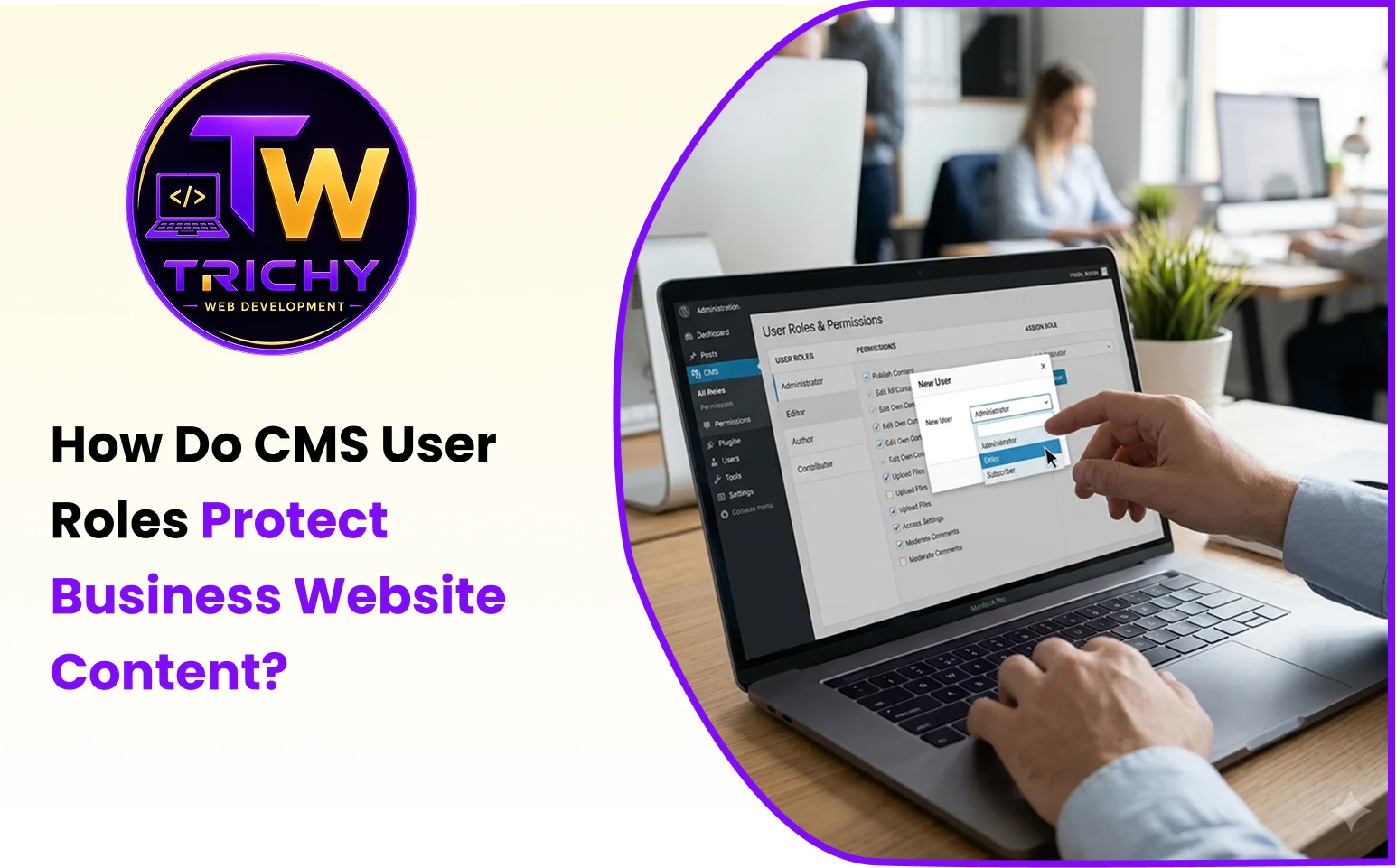
CMS user roles and permissions define what individual users are allowed to access and perform inside a content management system.
A role represents a group of responsibilities, while a permission defines a specific action that the user can perform. For example, an editor may be allowed to create and modify articles but may not have permission to change website configuration or manage other users.
This distinction becomes important as a business website grows. A small website might initially have one person managing everything, but larger websites often involve multiple departments and external contributors.
A structured access model can help control actions such as:
-
Creating new pages or articles.
-
Editing existing website content.
-
Uploading or managing media files.
-
Submitting content for review.
-
Approving content for publication.
-
Publishing or unpublishing pages.
-
Managing users and their access.
-
Changing website configurations.
-
Installing or configuring extensions.
-
Accessing sensitive administrative functions.
The goal is not simply to restrict employees. It is to make sure every person has enough access to complete their work without receiving unnecessary control over the entire website.
Key Types of CMS User Roles
Different CMS platforms use different names and role structures, but most business websites can benefit from separating users according to responsibility.
Administrator
An administrator normally has the highest level of CMS access. Depending on the platform, this account may be able to manage users, settings, extensions, content, permissions, and other administrative functions.
Because CMS administrator privileges can affect the entire website, administrator accounts should be limited to trusted personnel who genuinely need this level of control.
Editor
An editor generally manages website content without requiring complete control over technical configuration.
This role can be useful for marketing managers, content managers, or senior editorial staff responsible for reviewing and maintaining published material.
Author or Content Creator
A content creator may be allowed to create and edit their own articles or assigned content but may not be able to modify other users' work or change important website settings.
This separation is useful when several writers contribute to the same website.
Contributor
A contributor can have a more restricted role, such as preparing content without being able to publish it directly.
This can support a workflow where every submission must be reviewed by an editor before reaching the public website.
Reviewer or Approver
Some businesses create a dedicated approval role for people responsible for checking content before publication.
The reviewer can verify accuracy, brand consistency, links, formatting, compliance, and other requirements before content reaches the live website.
How CMS Role-Based Access Protects Content
CMS role-based access creates a boundary between content responsibilities and administrative control.
Consider a company with five website users:
|
User |
Required Access |
Restricted Access |
|
Content Writer |
Create and edit assigned content |
Publishing and system settings |
|
Marketing Executive |
Manage campaign pages |
User administration |
|
Senior Editor |
Review and publish content |
Technical configuration |
|
Developer |
Technical configuration |
Routine editorial publishing |
|
Administrator |
Full website management |
Should be limited to essential personnel |
This structure reduces the possibility that a user will accidentally perform an action outside their responsibilities.
For example, a writer who only needs to prepare blog articles does not necessarily need access to user management or database-related configuration. Restricting those areas creates a safer operating environment.
Why Website Editor Permissions Need Careful Planning
Website editor permissions should be based on actual responsibilities rather than job titles alone.
Two employees may both be called "marketing executives," but one might only create blog content while another manages landing pages and campaign publishing.
A useful permission review asks:
-
What content does the user need to access?
-
What actions must the user perform?
-
Does the user need publishing authority?
-
Does the user need access to other users?
-
Does the user need technical configuration access?
-
Could the user's actions affect the entire website?
The answers can then be translated into a suitable CMS role.
This approach avoids two common problems: giving users too much access or giving them so little access that normal work becomes unnecessarily difficult.
Content Publishing Approval Roles and Workflows
Publishing is one of the most important points where access control can protect a business website.
A simple publishing workflow can look like this:
Create → Edit → Review → Approve → Publish → Monitor
A writer prepares the content and submits it for review. An editor checks the material for accuracy, formatting, links, brand requirements, and search intent. Once approved, an authorized user publishes it.
This separation is particularly useful for websites where content can influence customers, lead generation, legal compliance, product information, or brand reputation.
For example, a company could prevent a junior content contributor from publishing directly. The contributor can prepare the article, but an authorized editor must approve it before publication.
This reduces the chance of incomplete pages, incorrect claims, broken links, or unapproved information becoming publicly visible.
Understanding CMS Administrator Privileges
CMS administrator privileges should be treated differently from normal content access because administrative actions can affect the entire website.
An administrator may have the ability to:
-
Create or remove user accounts.
-
Change permissions.
-
Modify website configuration.
-
Install extensions or modules.
-
Change important system settings.
-
Manage API integrations.
-
Access sensitive website functions.
A mistake at this level can have a much larger impact than an incorrect sentence in a blog post.
For this reason, businesses should avoid using administrator accounts for routine content work. If an employee only needs to edit articles, an administrative account provides more access than necessary.
Least Privilege in Content Management
Least privilege in content management means giving each user only the access required to complete their assigned responsibilities.
The principle can be applied through four questions:
Need: What does the user actually need to access?
Action: What actions must the user perform?
Risk: What could happen if the account is misused or compromised?
Review: Does the user still need the same access?
For example, a freelance writer may need permission to create and edit assigned articles. Giving that person administrator access simply because they need to upload images would violate the basic idea of least privilege.
Least privilege also needs ongoing maintenance. When employees change departments or leave an organization, their CMS access should be reviewed or removed promptly.
An Original ACCESS Framework for CMS Permissions
Businesses can evaluate their CMS access structure using the ACCESS framework:
A — Assign Responsibilities
Identify what each team member is actually responsible for inside the website.
C — Control Capabilities
Map those responsibilities to specific CMS permissions instead of granting broad access.
C — Create Approval Layers
Separate content creation from final publishing where review is important.
E — Examine Administrative Access
Keep powerful administrative privileges limited to users who genuinely need them.
S — Schedule Permission Reviews
Review accounts periodically and update access when responsibilities change.
S — Secure Individual Accounts
Use unique accounts, strong authentication, and appropriate security controls rather than shared administrator credentials.
This framework helps businesses treat CMS permissions as an operational process rather than a one-time configuration task.
Practical Example: A Growing Business Website
Imagine a business with a marketing team, two content writers, a designer, and an external developer.
The writers need to create articles and update assigned content. The marketing manager needs to review and publish campaigns. The designer needs media-related access. The developer needs technical access for website maintenance.
If every person receives administrator privileges, the organization creates unnecessary exposure.
A better structure would separate these responsibilities.
The writers prepare content, the marketing manager reviews and publishes it, the designer manages approved visual assets, and the developer receives technical access when required.
The result is not only better security but also clearer accountability.
How Permissions Reduce Common Content Risks
Poor access management can lead to several practical problems.
Accidental Content Deletion
A user with excessive permissions may unintentionally delete important pages or modify existing content.
Premature Publishing
A contributor could publish unfinished material if publishing rights are not restricted.
Unapproved Content Changes
Without approval controls, content may be changed without appropriate editorial review.
Configuration Errors
Users who do not understand technical settings can unintentionally modify configurations that affect website functionality.
Unclear Accountability
Shared accounts make it difficult to determine who performed a particular action.
Individual accounts with appropriate roles make responsibility easier to track.
When Should Businesses Review CMS Permissions?
CMS permissions should be reviewed whenever the business changes how its website is managed.
Important review points include:
-
When a new employee joins the website team.
-
When an employee changes responsibilities.
-
When an employee leaves the organization.
-
When an external agency or freelancer receives access.
-
When a new department begins contributing content.
-
When a new publishing workflow is introduced.
-
When the website adds sensitive business functionality.
-
When an administrator account is no longer required.
Regular reviews prevent old permissions from remaining active indefinitely.
Best Practices for Managing CMS User Roles
A secure CMS access structure should follow several practical principles.
Use Individual Accounts
Every person should have their own account whenever the CMS supports it. Shared credentials reduce accountability and make access removal more difficult.
Limit Administrator Accounts
Keep full administrative access for a small number of trusted users who require it.
Separate Creation and Publishing
Where content quality matters, allow contributors to prepare material while giving final publishing authority to designated reviewers.
Review External Access
Freelancers, agencies, and temporary contributors should receive only the permissions required for their work, and their access should be removed when the engagement ends.
Use Strong Authentication
CMS accounts should be protected with strong passwords and additional authentication controls where available.
Maintain an Access Record
Businesses should know who has CMS access, what role each person has, and why that access exists.
Common CMS Permission Mistakes to Avoid
One of the biggest mistakes is giving everyone administrator access simply because it is convenient.
Another common problem is using one shared login for an entire marketing team. This removes individual accountability and makes it difficult to determine who made a change.
Businesses should also avoid creating permissions based only on convenience. A user may request additional access because it makes one task easier, but the long-term security implications should be considered before granting it.
Failing to remove access from former employees or temporary contractors is another avoidable risk.
Finally, permissions should not be treated as permanent. Website teams, responsibilities, and business processes change over time.
CMS Permissions Checklist
Before finalizing a business website's access structure, check whether:
-
Every CMS user has an individual account.
-
Each user has a clearly defined role.
-
Administrator access is limited.
-
Content creators cannot perform unnecessary administrative actions.
-
Publishing rights are assigned only to authorized users.
-
Important content can pass through an approval process.
-
External users have restricted access.
-
Former users have been removed or disabled.
-
Permission changes are reviewed periodically.
-
Strong authentication is enabled where supported.
-
Users understand which actions they are responsible for.
A simple permissions checklist can prevent many avoidable access-control problems.
How Website Development Supports Better CMS Access Control
Access control should be considered during website development rather than added only after the website is already operating.
A properly planned CMS implementation can define user types, permission boundaries, content workflows, administrative controls, and approval processes according to the business's actual requirements.
For businesses developing or upgrading a website, Trichy Web Development can support the technical implementation of business websites and web applications where structured user access, content management, and role-based workflows are important.
Conclusion
CMS user roles and permissions provide businesses with a practical way to control website access without preventing teams from doing their everyday work. By separating content creation, editing, approval, publishing, and administration, organizations can reduce accidental changes and improve accountability. The most effective approach is to apply least privilege, keep administrator access limited, use individual accounts, and review permissions whenever responsibilities change. As business websites become more collaborative and content-driven, carefully designed access control becomes an important part of maintaining reliable, secure, and manageable digital operations.